How it works
Create a QR contact page in minutes. Use it as a digital business card, lost & found tag, pet tag, or product info page — with full control over what’s public.
No social network. No feeds. Just a controlled public contact page.
Privacy-first
Only the fields you publish are visible.
Mobile-first
Built for scanning — fast, clean, readable.
Not a social network
No feeds, no followers, no messaging.
Real flow (from checkout to a ready-to-print QR)
A simple, predictable process — nothing hidden, nothing unnecessary.
Setup your tag (Label)
Your label is printed on your branded QR and cannot be changed later.
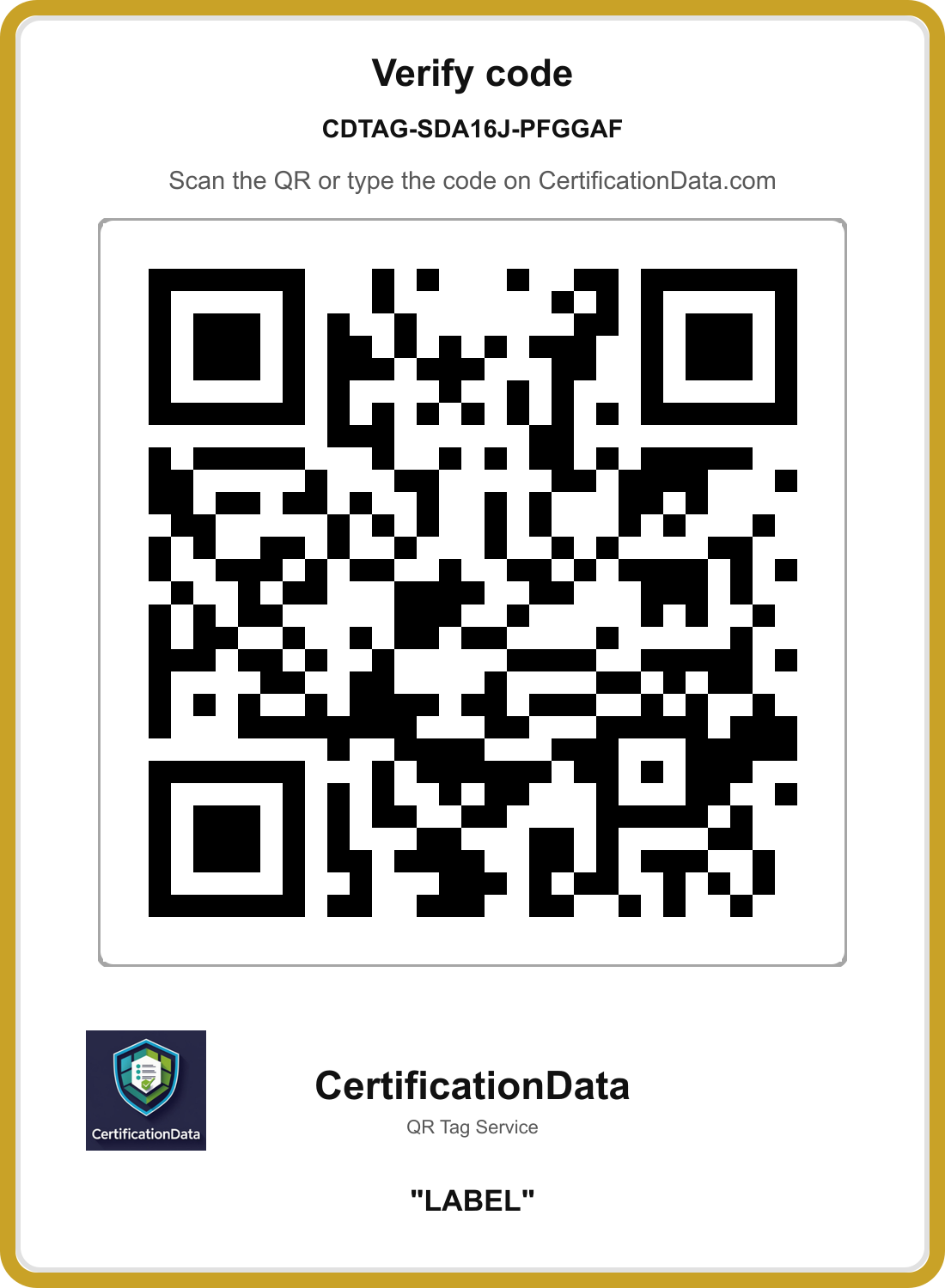
What is the label?
- The label is printed directly on your branded QR.
- It helps people understand what the tag is for (e.g. Wallet, Keys, Pet).
- Once saved, the label cannot be changed.
Examples: "Owner contact" • "Contact me" • "Emergency contact" • "Call to order" • "Service contact" • "Invitation QR" • "Home renovation" • "Painting service" • "Company contact" • "My wallet" etc.
Edit public profile (Editable anytime)
Publish only what you want to show. You can update your public details anytime.
- Owner display name (optional)
- Description (optional)
- Phone, WhatsApp, Email, Website
- Instagram, TikTok, YouTube, X
- Publishing Agreement is shown before saving
- Checkbox is required
- Save & Publish
Your onboarding info is never shown on the public page.
Download files and use anywhere
- Download a branded QR PNG
- Download an A4 sheet PDF (5×6 = 30)
- Stick it on items, products, business cards, or pet collars
- Works worldwide — anyone can scan
Verify in two ways
- Scan the QR to open the public page instantly
- Or type the code on the verify page
Quick answers
Do I need an app?
No. A scan opens your page in any browser.
Can I hide my real name?
Yes. Use an owner display name (nickname / brand / company).
Can I change my label later?
No. The label is printed on the branded QR.
Can I update my public contact details anytime?
Yes. Public profile fields can be updated anytime.
Is this a social network?
No. It’s a QR Tag + controlled public contact page.
Ready to create your QR Tag?
One plan. No upsells. Privacy-first.